 iMail
Mail protocols on standard ports
SMTP on 25 with STARTTLS, submission on 587, SMTPS on 465, IMAPS on 993, POP3 on 110 with STLS required before login, POP3S on 995. The web interface uses 80 and 443.
A mail server for your own domains: SMTP for incoming mail, submission
for sending from a mail app, IMAPS and POP3S for reading, a browser inbox
and an admin console — all in one container. All of its state —
configuration, database, DKIM key and certificates — is one
config/ directory you can copy.
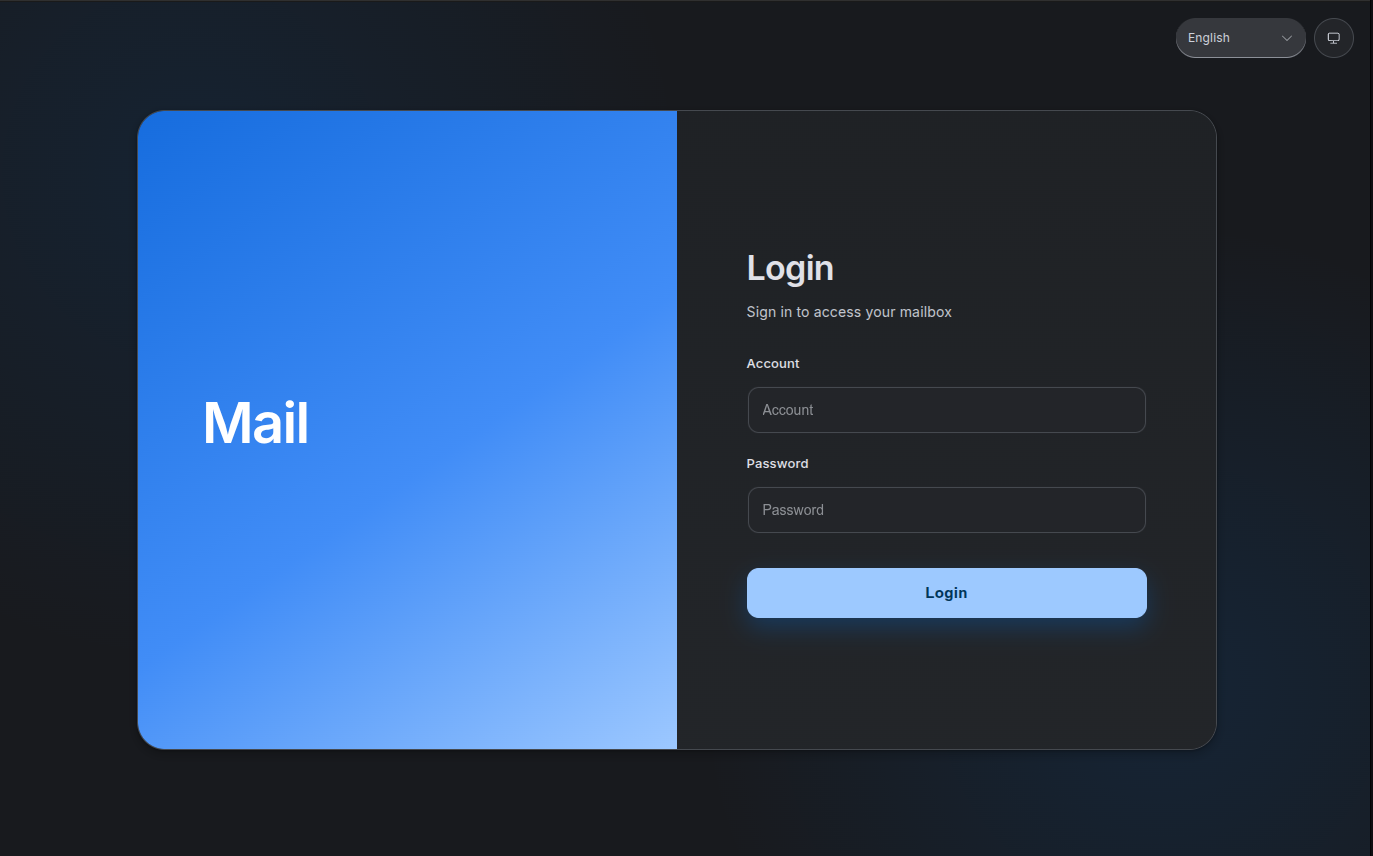
Protocols, mailbox, administration and certificates, all in the same container.
SMTP on 25 with STARTTLS, submission on 587, SMTPS on 465, IMAPS on 993, POP3 on 110 with STLS required before login, POP3S on 995. The web interface uses 80 and 443.
Folders, search, conversation view, reply, reply-all, forward, attachment download and light/dark themes. Seven interface languages — the six official UN languages plus Traditional Chinese — chosen from the browser.
A primary domain plus additional domains, per-mailbox quotas, and an admin console for users, domains, DNS records and certificates.
ACME with HTTP-01, manual DNS-01 or a Cloudflare token, or an uploaded certificate. Each domain can have its own; the ACME flows renew automatically.
DKIM signing, SPF checks, DMARC and PTR guidance, and a configurable spam filter. Outbound delivery verifies the remote server's certificate.
SQLite by default, MySQL and PostgreSQL for larger installs. Configuration, database, DKIM key and certificates live under config/, so a backup is a directory copy.
Docker with Compose, a public IPv4 and/or IPv6 address, and a domain whose DNS you control. Port 80 must be reachable for HTTP-01.
The config/ directory is the whole server state: configuration, SQLite, DKIM key and TLS material.
git clone https://github.com/noelbennettz/imail.git
cd imail
mkdir -p configThis pulls ghcr.io/noelbennettz/imail:latest and publishes the eight mail and web ports. The published addresses, ports and the ./config path are parameters you can change; DOCS.md explains each one, and docker-compose.example.yml in the repository carries every port and volume with a comment.
docker compose -f docker-compose.ghcr.yml up -d
docker compose -f docker-compose.ghcr.yml logs -f imailOpen http://your-server-ip/ and enter the setup token the container printed at startup: run docker compose logs imail and copy the 24-character token from the line beginning *** Setup token:. The wizard then asks for database, administrator, domains, DNS records and TLS. The token lives in memory only, is needed for every wizard request, and disappears once setup finishes; it stops a stranger from completing setup first, but it does not encrypt the administrator password, so still finish it on a trusted network.
Check port 25 before debugging anything else. Many VPS providers block outbound
TCP 25; receiving works, but delivery to other mail servers does not until they lift it.
On rootless Docker, publish high host ports instead (8080:80, 18443:443, …)
because ports below 1024 cannot be bound.
The setup wizard writes the exact values for every domain; this is their shape.
smtp.example.com so receivers can confirm the sending host.smtp., imap., pop. and the web domain.@ A/AAAA 203.0.113.10 / 2001:db8::10
mail A/AAAA same address
smtp A/AAAA same address
@ MX 10 smtp.example.com.
@ TXT "v=spf1 a mx ~all"
default._domainkey TXT "<from the setup wizard>"
_dmarc TXT "v=DMARC1; p=quarantine; rua=mailto:postmaster@example.com"
Propagation takes longer than the wizard. Check with dig +short MX example.com,
the DKIM TXT record, _dmarc, and dig -x <server-ip> before blaming the server.
What decides whether iMail fits, before you move an MX record.
alice@one.example and alice@two.example cannot coexist; create alice and alice-sales instead.One server, one database. SQLite suits a single small server; MySQL or PostgreSQL are for deployments that need an external database. IPv4-only and IPv6-only hosts both work, and delivery to an address family the host does not have fails as an ordinary temporary error.
What the server does with passwords, TLS and the first run. iMail is in beta: versions may change incompatibly, so back up config/ before upgrading.
Passwords are stored as salted PBKDF2 hashes and must be at least eight characters. Changing one signs out every existing session.
TLS 1.2 and 1.3 only, IMAP is never served without TLS, and outbound delivery fails rather than falling back to plaintext when the remote certificate cannot be verified.
config/config.json is written with mode 0600. The setup wizard exists only before the first successful initialisation, and its API requires the one-time setup token printed in the container log: finish it on a trusted network, and back up config/ without ever committing it.
Five failed SMTP, IMAP or POP3 sign-ins from one address within fifteen minutes block that address for fifteen minutes; an account is only blocked when failures keep coming from several addresses, and the administrator can switch the limit off. Outbound mail — including copies to local mailboxes — is written to a durable queue and retried for up to 72 hours; the admin console shows pending and failed counts.
Use the Security tab and Report a vulnerability on GitHub. If that form is unavailable, open an issue titled “Security contact request” with no technical details. SECURITY.md lists the supported versions and what is in scope; there is no response-time guarantee.
What runs, what it listens on, and what it stores.
config/ volume: config, SQLite, DKIM key, certificatesThe things worth knowing before pointing MX records at a new host.
Both. iMail handles SMTP, submission, SMTPS, IMAPS, POP3/STLS and POP3S, and also serves a browser mailbox and an admin console. Any standard mail client can connect; the web interface is not required for day-to-day mail.
Only partly. Other mail servers always connect to port 25 — an MX record has no port field — so if inbound 25 is blocked, mail from the internet cannot reach iMail; put a relay or a host with 25 open in front. Your own users can still submit on 587, and outbound delivery needs outbound 25 or a relay.
With one domain, alice and alice@example.com both work. With two or more, the full address is required because the bare name would be ambiguous. Accounts are globally unique: alice@one.example and alice@two.example cannot coexist; name them alice and alice-sales.
No. HTTP-01, manual DNS-01, Cloudflare DNS-01 and uploaded PEM certificates are all supported, globally or per domain. Automatic renewal applies to the two ACME flows; watch uploaded certificates yourself.
Yes. Set httpsEnabled to 2 for HTTP-only mode and let the proxy terminate TLS. Session cookies only get Secure when HTTPS is enabled, so the proxy must be trusted.
The whole config/ directory: config.json, the SQLite database (or your DSN), the DKIM private key and the certificate directory. Copy it to a new host and the server comes back as it was.
Yes. IPv4-only, IPv6-only and dual-stack hosts all work; if the configured address family is missing at startup, the other one is used and the reason is logged. A destination that exists only on the missing family cannot be reached, so delivery to it is reported as a temporary failure.
Self-hosting, forking and paid support are fine. If you run a modified iMail as a network service, its users must be able to get the source of the version you run; that is section 13.